Back up as you go
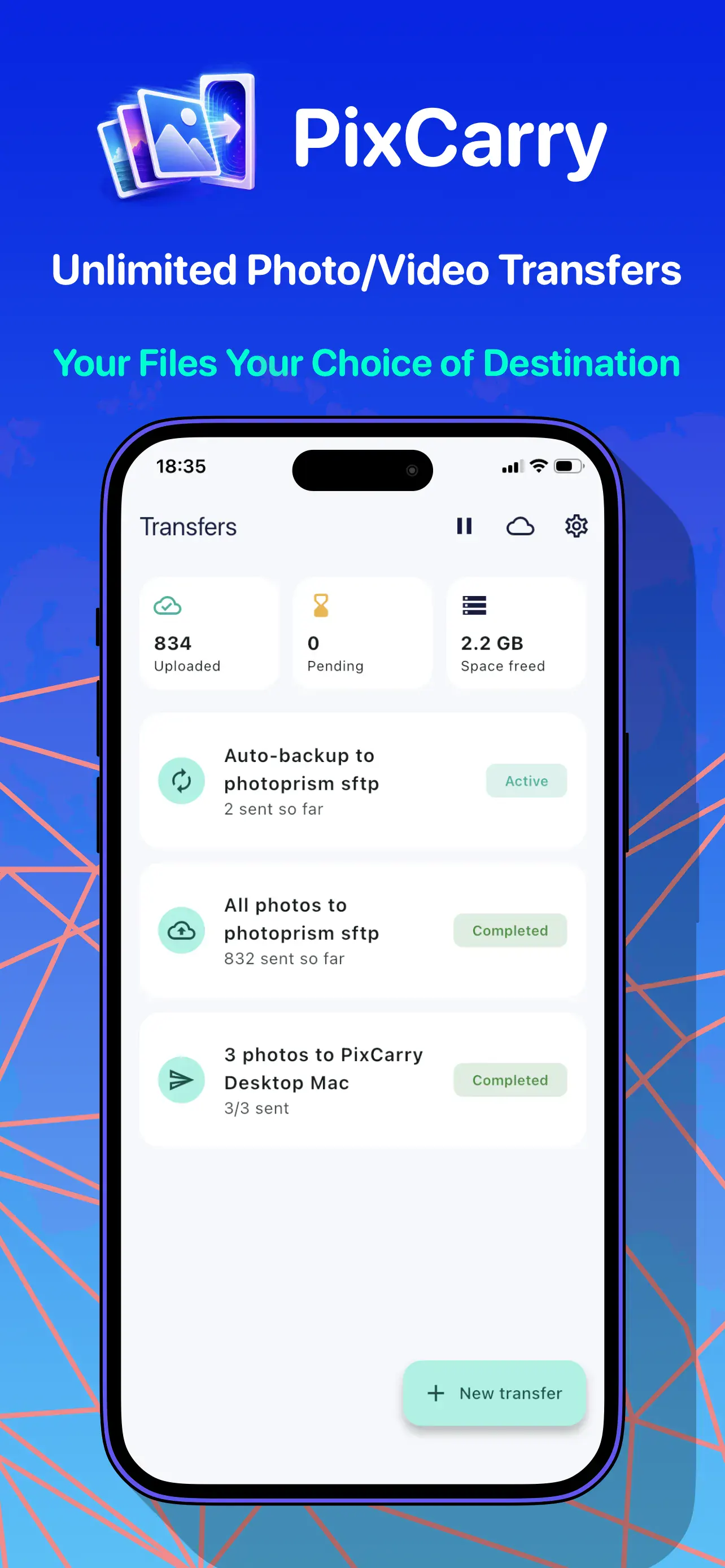
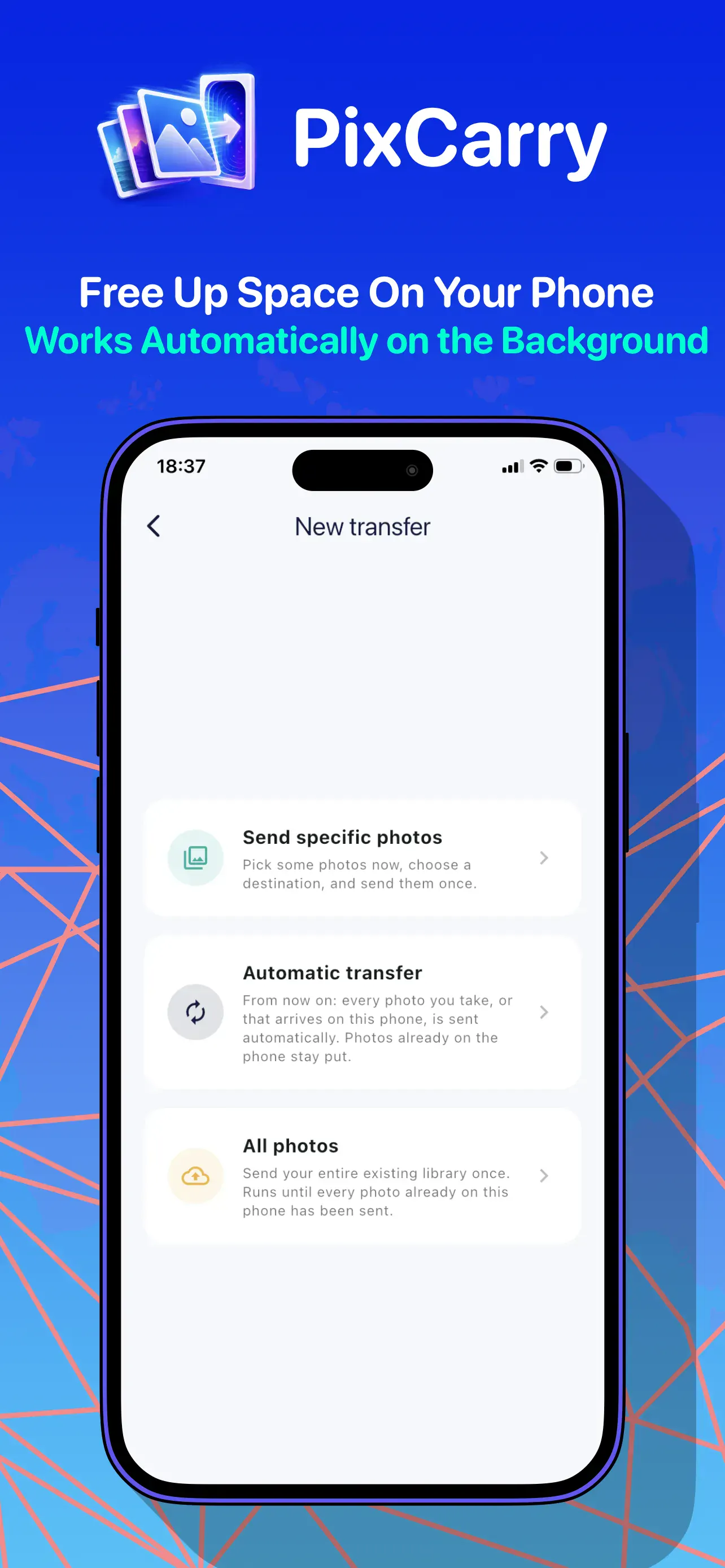
New photos and videos upload automatically. Choose your destination and let PixCarry handle the transfers.
A little room for more memories
Back up your photos and videos to your own computer, NAS, or cloud storage. Free up space on your phone, and keep your originals somewhere you control.



Works with S3 · SFTP · WebDAV · Immich · PhotoPrism · your own Mac/Windows/Linux
Your computer at home. The NAS on your shelf. A cloud bucket you already use. PixCarry sends your originals straight there, without passing through our servers.
Features
New photos and videos upload automatically. Choose your destination and let PixCarry handle the transfers.
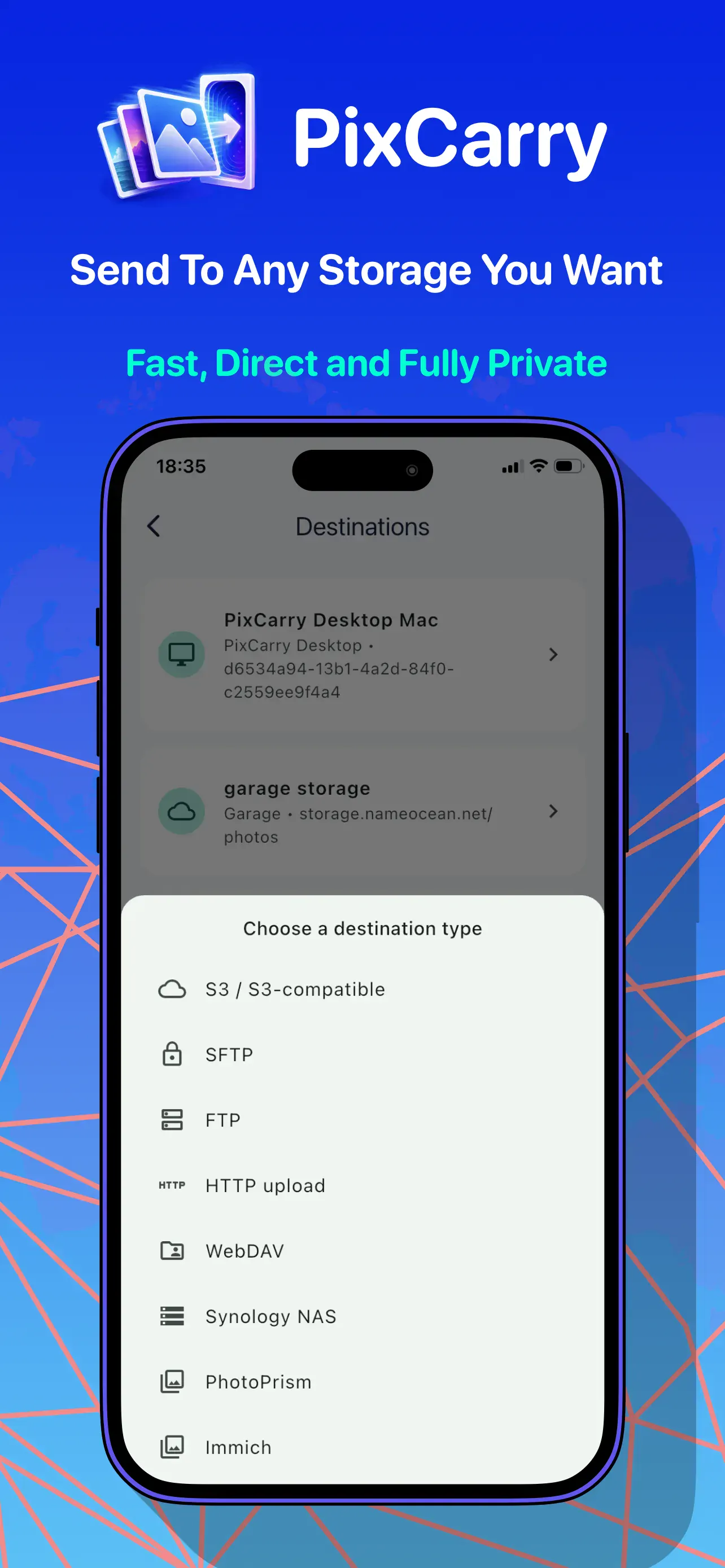
Connect S3, SFTP, WebDAV, Immich, PhotoPrism, or your own computer. Your library stays where you want it.
Files travel directly from your device to your storage. No PixCarry server in between.
Pair with the free companion app for Mac, Windows, or Linux and transfer over your local network.
Get PixCarry Desktop →Once your originals are backed up, remove them from your phone with a single cleanup confirmation.
On-device duplicate detection keeps you from sending the same photo twice, even after reinstalling.
How it works
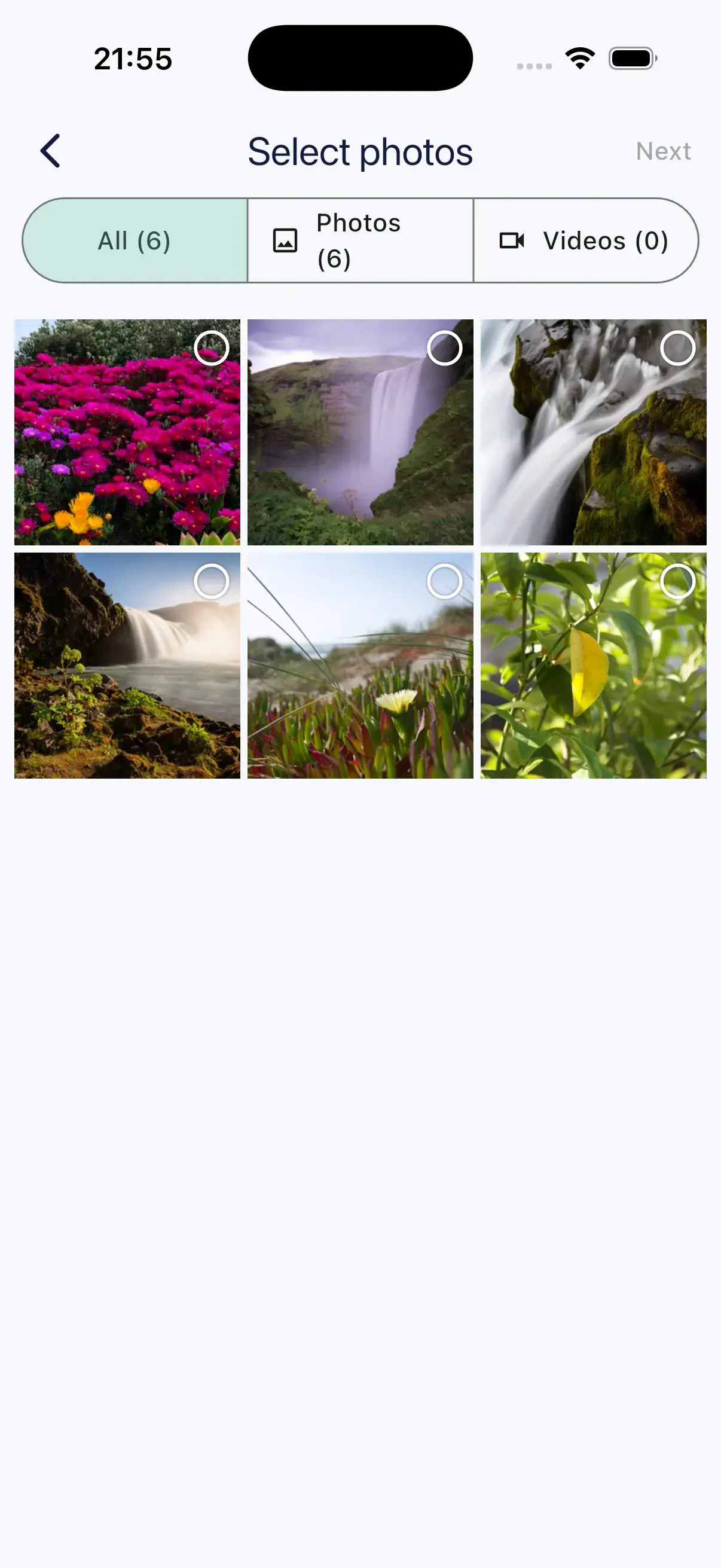
Pick S3, SFTP, WebDAV, PhotoPrism, or pair with PixCarry Desktop.
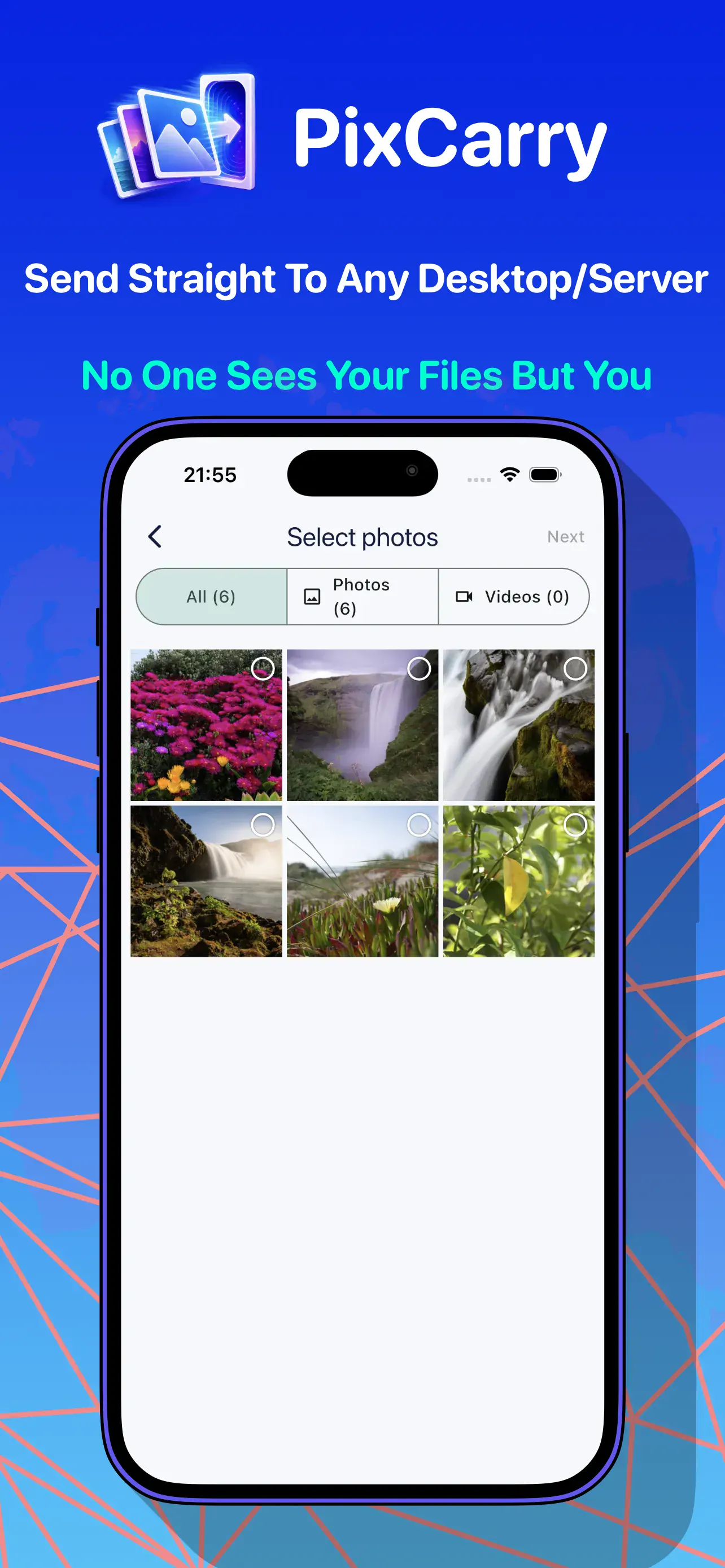
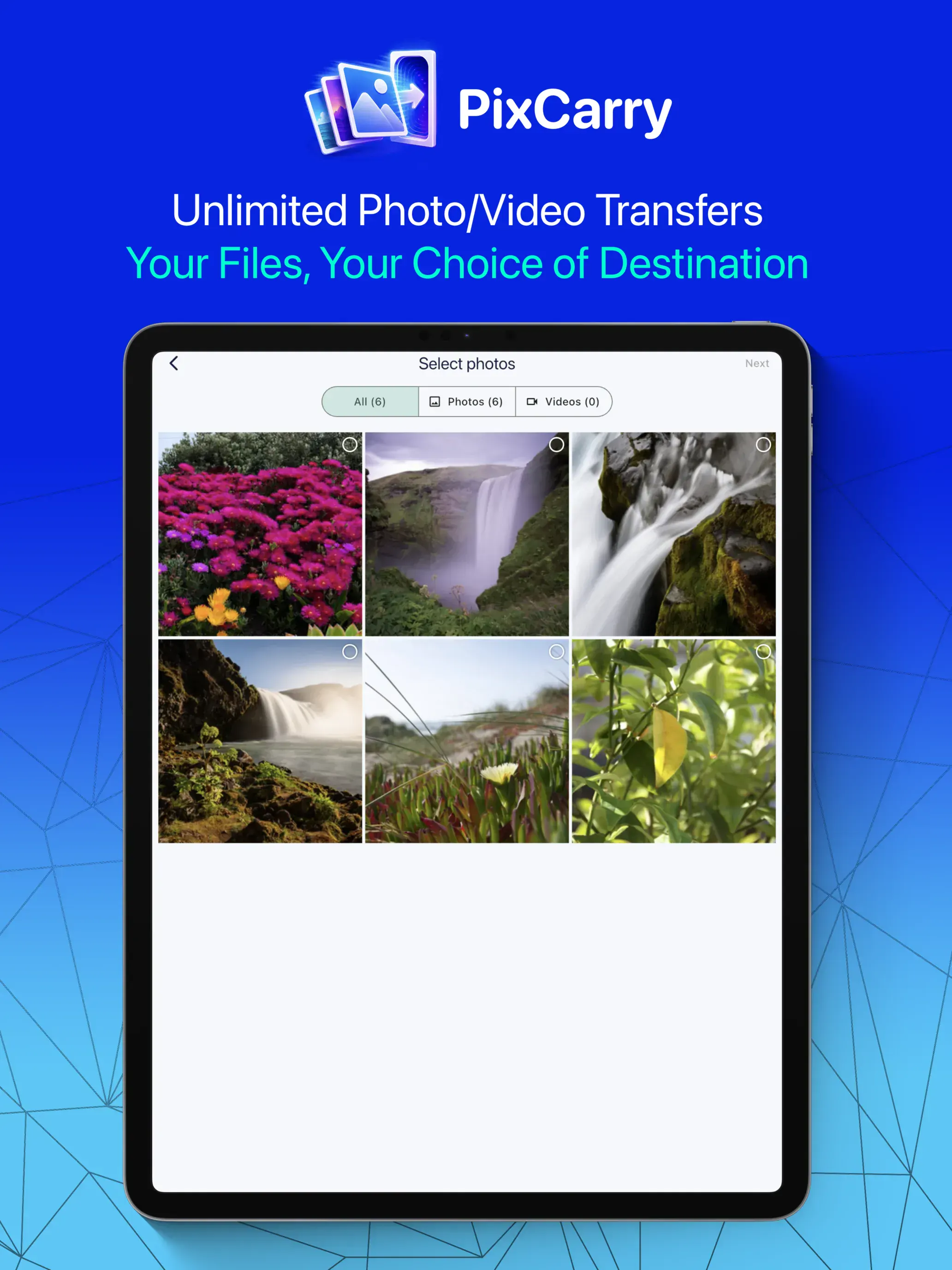
Allow PixCarry to access the photos and videos you want to back up.
New photos upload in the background. Keep the app open for the fastest transfers.
After backup, choose which originals to remove from your phone.
See it in action
Send your photos anywhere
PixCarry Desktop
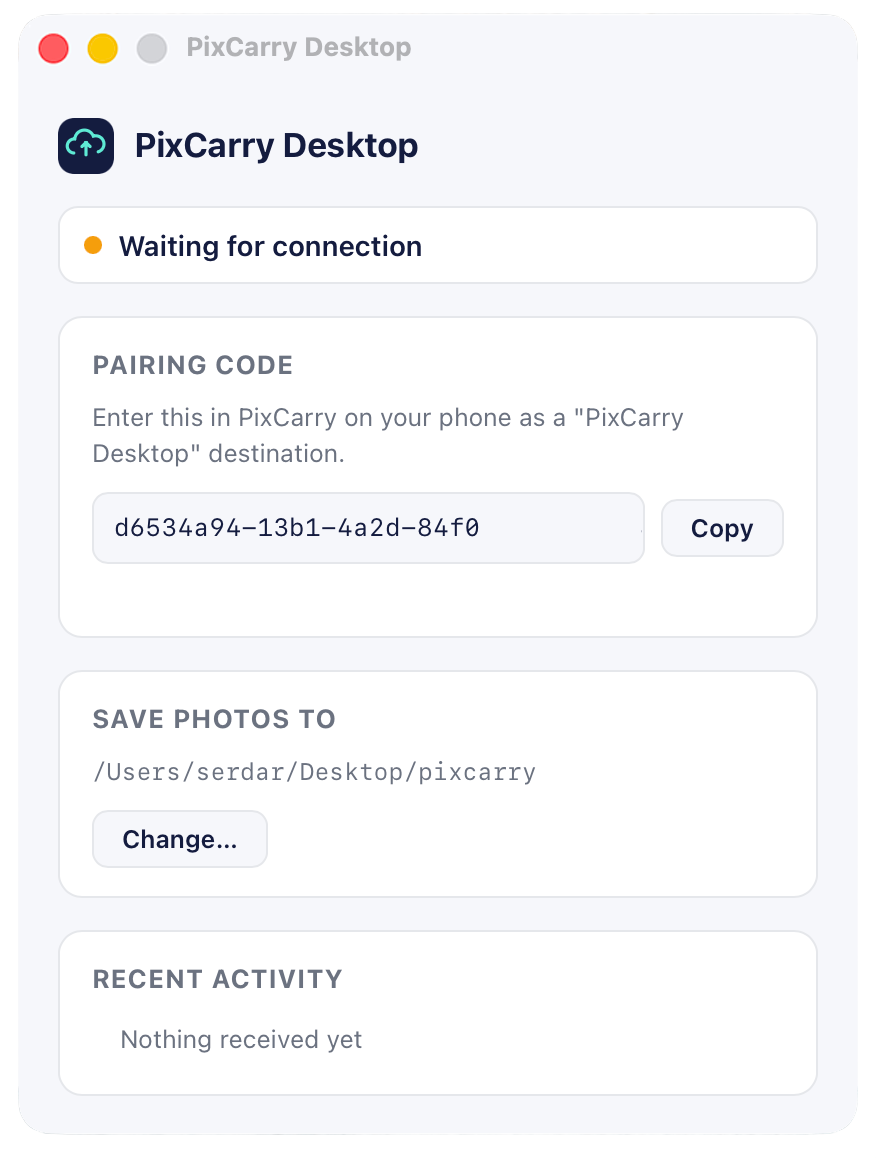
Pair your phone with the free PixCarry Desktop app for Mac, Windows, or Linux. Photos and videos transfer directly to your computer over your local network — no S3 bucket, no NAS, no cable required. Runs quietly in the background and works alongside any other storage destination you've already set up.
Mac build is signed and notarized by Apple — verified safe by macOS Gatekeeper, no security warnings. Linux also available as a .deb package.
FAQ
No. PixCarry runs entirely on your device and sends files directly to the storage destination you choose. We have no servers in the middle.
Amazon S3 (and S3-compatible providers like Backblaze B2, Wasabi, MinIO), SFTP, FTP, WebDAV, PhotoPrism, a generic HTTP endpoint, and PixCarry Desktop — a small companion app for Mac, Windows, and Linux.
Yes. PixCarry for Android is available on Google Play.
Wherever you point PixCarry. By default, we recommend your own S3 bucket, your home NAS, or a self-hosted PhotoPrism instance. The choice is yours.
From the blog
Your iPhone already has a free duplicate finder. Here is what it does well, where it stops, and what to look for if you want more than exact copies removed.
A step-by-step 20-minute routine to clean up your iPhone photo library, from screenshots and blurry shots to big videos and albums, with exact menu paths.
Deleting a photo from iCloud Photos deletes it on every device you own. Here is how to do it on iPhone, Mac and iCloud.com, and how to keep a copy first.